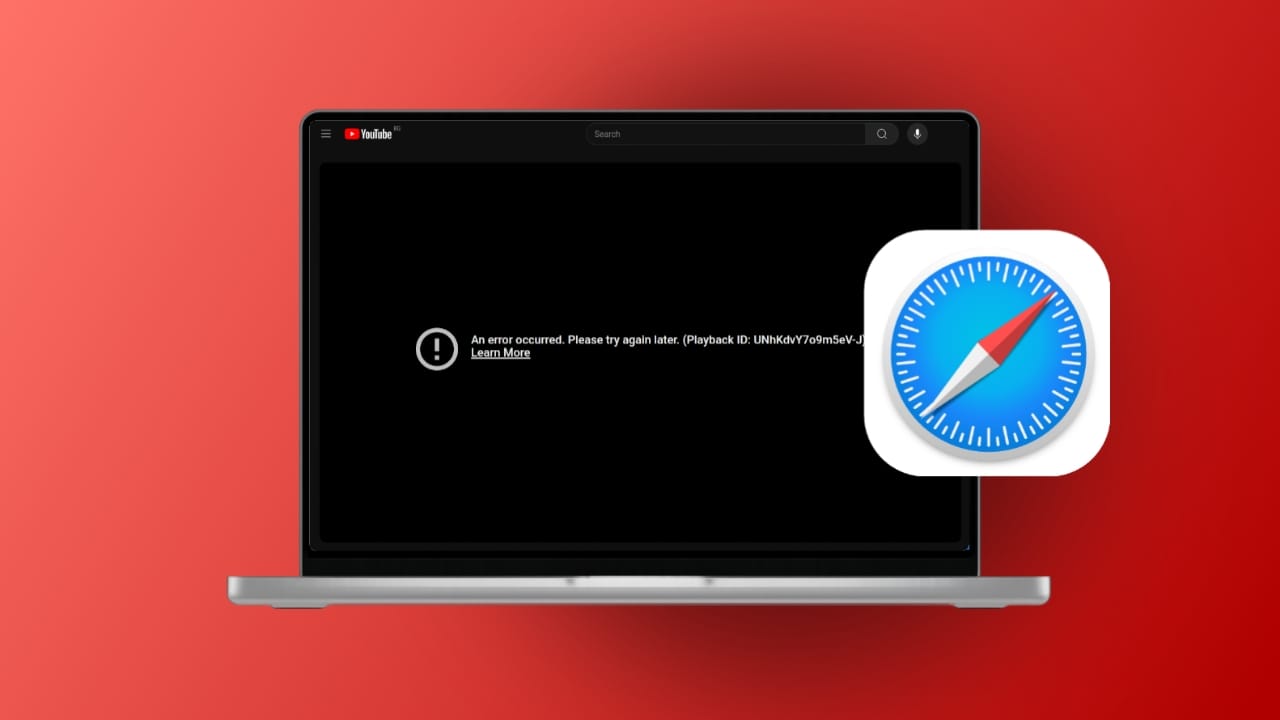
Fixing YouTube videos not playing on Safari on Mac matters today. YouTube is used daily for learning and entertainment. Many Mac users prefer Safari for browsing.
Sometimes YouTube videos fail to load on Safari. Videos may work fine on other browsers. This problem can confuse users worldwide. Different technical reasons can cause this issue.
Key Takeaways:
- Most YouTube playback issues on Safari happen due to extensions, cache problems, or wrong browser settings.
- Updating macOS and Safari, clearing the cache, and enabling JavaScript usually fix the problem quickly.
- Internet issues or temporary YouTube server downtime can also cause videos not to play.
How to Fix YouTube Videos Not Playing on Safari on Mac
Safari may fail due to third-party plugins. Faulty extensions can block YouTube compatibility. Changed security settings may restrict video playback.
Network settings can also block video access. Outdated Safari browsers often cause loading problems. Corrupted browser files may stop video playback.
A weak internet connection affects streaming quality. Low network strength causes buffering and failures. Sometimes, YouTube servers experience temporary downtime. Device-related issues affect all browsers equally.
Low storage space can slow video loading. Low RAM also impacts smooth video playback. Flash-related issues can block older video content. Outdated Flash versions may cause loading errors.
Basic Fix to Try First for YouTube Videos Not Playing on Safari
1. Check Internet Connection
- Ensure Wi-Fi is connected and stable.
- Restart your router if needed.
- Disable VPN services temporarily.
- Try opening YouTube in another browser.
2. Refresh Safari Permissions
- Open YouTube in Safari.
- Click Safari settings for the website.
- Allow auto-play and media playback.
- Enable the camera and microphone if needed.
- Reload the YouTube page.
Fix Safari Browser Issues
3. Clear Safari Cache and Cookies
- Open Safari settings.
- Go to the Privacy section.
- Click “Manage Website Data”.
- Remove YouTube data or clear all.
- Restart Safari after clearing data.
4. Disable Safari Extensions
- Open Safari extensions settings.
- Disable all extensions temporarily.
- Reload YouTube and test playback.
- Enable extensions one by one.
- Remove ad blockers causing issues.
5. Enable JavaScript in Safari
- Open Safari Preferences.
- Go to Security settings.
- Enable the JavaScript option.
- Close settings and reload YouTube.
JavaScript is required for YouTube playback.
Advanced Fixes for Persistent Issues
6. Restart Your Mac
- Restart your Mac completely.
- Close all background applications.
- Open Safari and test YouTube again.
7. Update Safari and macOS
- Open App Store on your Mac.
- Install available Safari updates.
- Check for macOS updates.
- Restart the Mac after updating.
Updates fix bugs and compatibility issues.
8. Enable VP9 Codec in Safari
- Open Safari settings.
- Go to the Advanced tab.
- Enable “Experimental Features”.
- Turn on the VP9 decoder option.
- Restart Safari and test playback.
9. Check YouTube Server Status
- Visit online server status websites.
- Search “YouTube server down”.
- Wait if servers are under maintenance.
- This issue fixes itself automatically.
The End Note
Fixing YouTube videos not playing on Safari on Mac is manageable. Most issues come from browser settings or extensions. Internet problems also cause frequent playback failures. Keeping Safari updated prevents many errors.
Clearing the cache improves browser performance greatly. Disable unnecessary plugins and blockers regularly. Check the YouTube server status before deep troubleshooting. Use video repair tools for corrupted downloads. These steps ensure a smooth YouTube viewing experience.