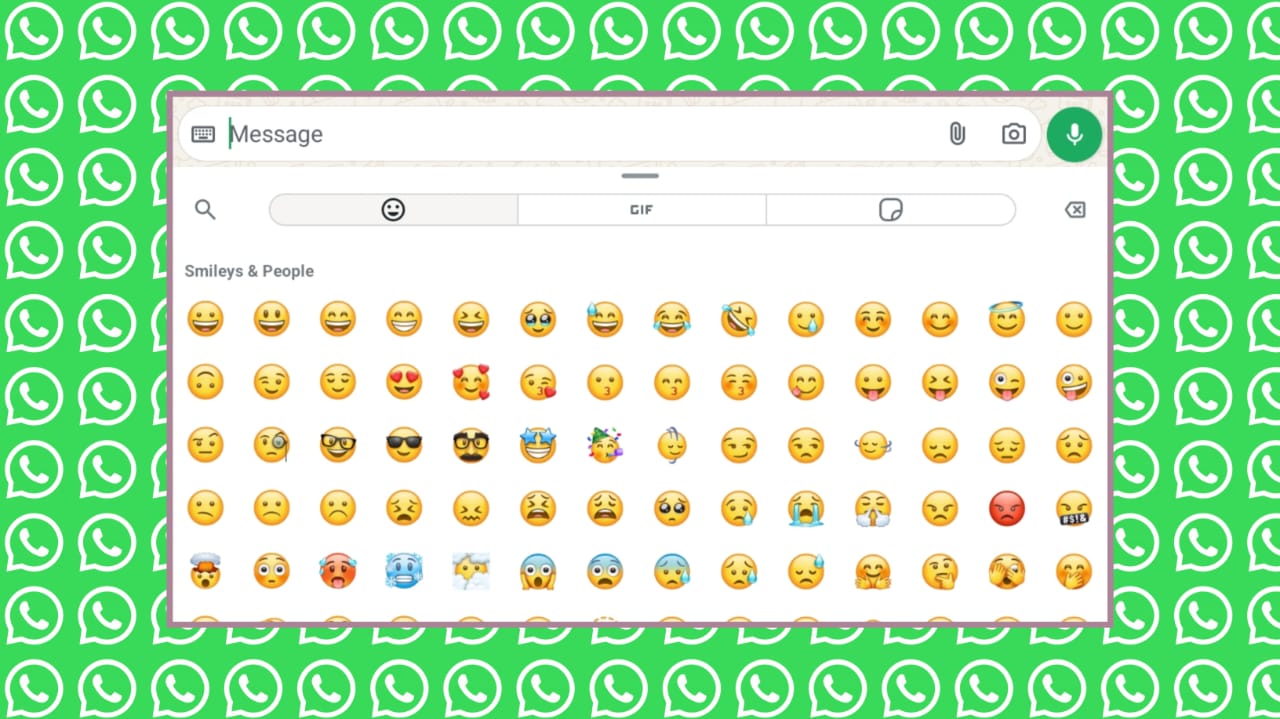
How to Create Custom Emojis for WhatsApp is a fun process that helps you express feelings better. Emojis and stickers make chats more personal and easy.
Many times, words feel confusing or unclear, so custom emojis help set the right tone. You can draw your own stickers, use special apps, or mix emojis creatively. This guide explains every simple method clearly.
Key Takeaways:
- Custom WhatsApp emojis make chats more personal and help express feelings clearly.
- You can create emojis using drawing apps, emoji maker apps, or selfie-based stickers.
- Sticker Maker helps convert your designs into WhatsApp sticker packs for easy sharing.
How to Create Custom Emojis for WhatsApp Using Drawing Apps
Creating your own emoji stickers is easy with simple drawing tools. The WhatsApp mobile app cannot create stickers, so you must use other apps.
You can use Infinite Painter, Pixel Studio, or any drawing app you like. A stylus device is optional but very helpful for clean work.
First, create a new canvas inside your drawing app. Set the canvas size to around 2000px for clear quality. Start with a simple shape like a circle or square. Add main features showing your emojis’ emotions clearly.
Keep colors simple so the emoji looks clean at small sizes. Export the final design as a PNG file with a transparent background.
Now use the Sticker Maker app to turn your drawing into a WhatsApp sticker. Install Sticker Maker from the Google Play Store. Create a new sticker pack and upload your PNG file.
Cut around the image using your finger or stylus. Add text, change outlines, and adjust width or colors. Save the sticker and select a tray icon for the pack. Tap “Add to WhatsApp” to send your stickers to WhatsApp easily.
Open WhatsApp and tap the emoji icon. Go to the sticker section and find your new pack. Send your stickers in chats anytime.
If friends want your pack, share it using the Sticker Maker app link. You can also delete sticker packs inside WhatsApp if needed.
How to Create Custom Emojis for WhatsApp Using Emoji Maker Apps
Many apps help you design emojis in your own style. These apps give tools, colors, and creative parts for easy emoji building.
Popular apps include:
- Bitmoji lets users create avatars with custom hair, eyes, clothes, and face shapes. It works on Android and iOS and supports Snapchat, Gboard, Chrome, and iMessage.
- Gboard Emoji Kitchen mixes two emojis to form new mashups. It works in WhatsApp, Instagram, Telegram, Messenger, and more.
- Angel Emoji Maker offers free tools with layers, zoom, crop, and face parts like eyes, mouth, beard, hats, and glasses.
- PiZap Emoji Maker includes many features for creating expressive face emojis.
- Flat Icon Emoji Maker offers huge icon sets with colors, tears, eyes, and mouth designs.
- Elite Emoji offers over 2000 stickers and 5000 messages for expressive communication.
- Emojily helps users create fun, random emojis with easy options.
- Labeley.com lets users design emojis, stickers, labels, and shapes for all events.
- Emotiyou Animated Generator helps create animated emojis using photos of people, animals, or objects.
- Boomoji creates 2D characters with customizable faces, eyes, noses, hair, and skin.
How to Create Custom Emojis for WhatsApp Using Photos and Selfies
You can also create custom emojis using your selfies, pets, or friends. Draw over them or turn them into stickers using Sticker Maker. These personal emojis make chats more fun and unique. You can add outlines, text, or shapes to match your messages.
The End Note
How to Create Custom Emojis for WhatsApp gives everyone a simple way to share fun emotions. You can draw stickers, use emoji maker apps, or mix emojis using Gboard.
These tools make chats more personal and expressive. Creating your own emojis helps your messages feel clear and friendly. Anyone can do it easily with the right steps and apps.